- Turn it into a dedicated streaming hub
- Transform your PS4 into a Linux PC
- Convert it into a local media server
- Use it as a dedicated Spotify player
- Take advantage of its built-in browser
- Use it as a Blu-ray/DVD player
- Remove and repurpose its hard drive
- Take advantage of its USB playback feature
- Trade or donate it
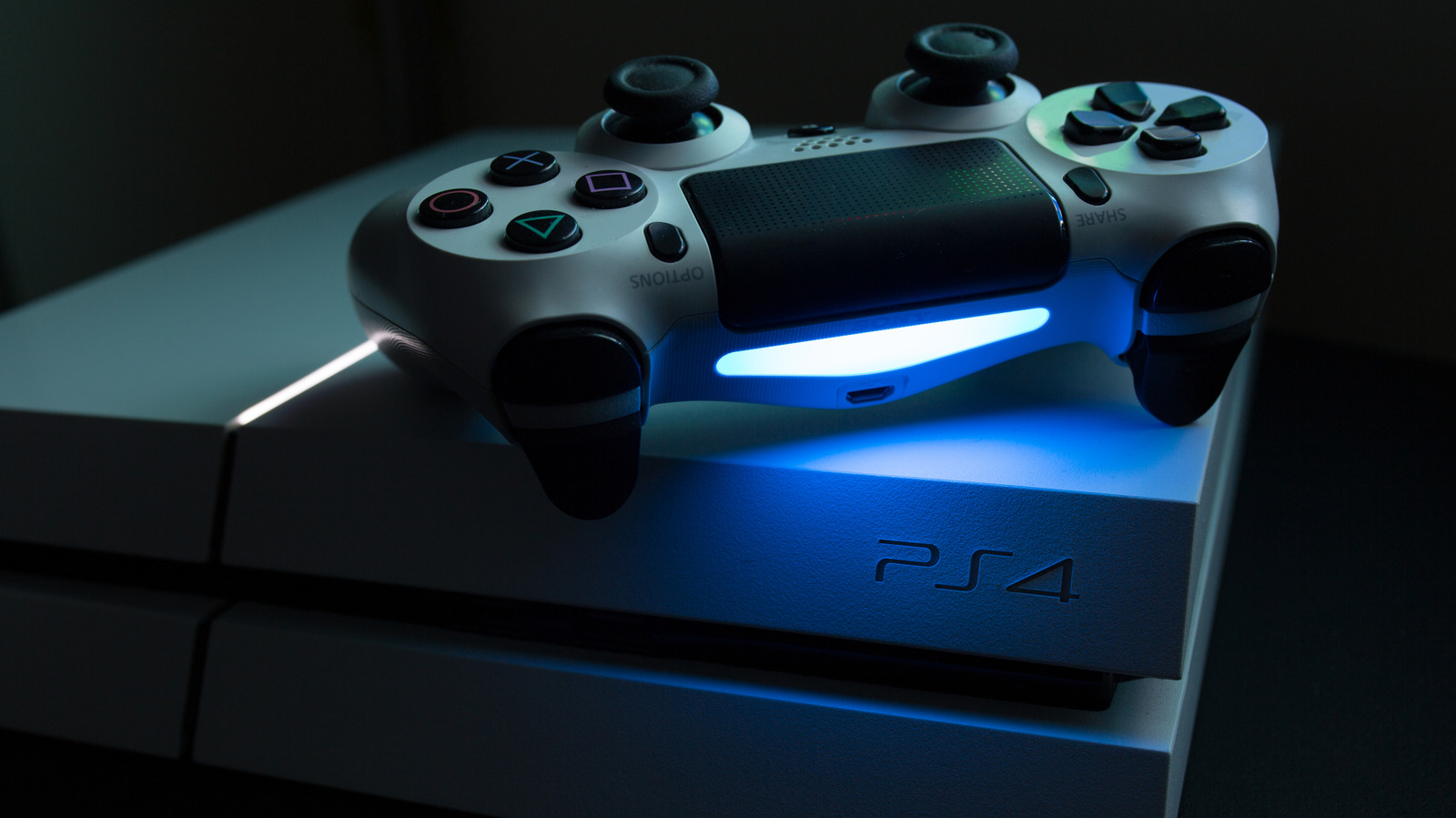
Sony’s PlayStation 4 first hit the scene back in November 2013, kicking off one of the most successful console runs in gaming history. It went head-to-head with the Xbox One and came out on top in a big way, thanks to its killer lineup of exclusives, better specs, sleek interface, and strong community support. Even when the PlayStation 5 arrived in 2020, the PS4 refused to step aside quietly, with new games still dropping and millions of players keeping the system alive.
But times are changing. The PS5 has finally taken the lead in monthly player counts, and with rumors of a PS6 landing within the next two years, the PS4’s long, glorious era is winding down. Many gamers have already unplugged the old console to make room for something shiny and new.
Still, tossing your PS4 into storage or selling it for a fraction of what it’s worth would be a waste. The system may be aging, but it’s far from useless. Beyond gaming, your PS4 can transform into a powerful streaming hub, home media center, or even a DVD player. Here are some clever ways to breathe new life into your old console long after you’ve stopped gaming on it.
Turn it into a dedicated streaming hub

If you’ve retired your PS4 from gaming duty, turning it into a dedicated streaming hub is one of the smartest ways to keep it in action. The console was designed for entertainment as much as for gaming, so it already comes ready to stream shows and movies from apps like Netflix, YouTube, Disney+, Hulu, Twitch, and Amazon Prime Video.
All you need is an HDMI connection to your TV and a stable Wi-Fi internet speed. Once logged into your favorite streaming accounts, the PS4 delivers smooth 1080p playback (with up to 4K quality on the PS4 Pro) and crisp audio, rivaling many dedicated streaming devices. The interface is fast, intuitive, and easy to navigate with a DualShock controller. But if you want a more traditional experience, the PlayStation Media Remote offers quick access buttons for volume control and app navigation.
Whether you park it in your living room or move it to a spare TV, your old PS4 can quickly become a go-to entertainment system for guests or family. It’s a practical, budget-friendly way to give your console a second life while keeping all your favorite streaming services in one place.
Transform your PS4 into a Linux PC
For tech-savvy individuals, you can turn your PS4 into something surprisingly useful: a Linux-powered PC. By jailbreaking the console and installing a Linux distribution, you can unlock its hidden potential and use it for light productivity. Jailbreaking essentially modifies the PS4’s firmware to remove system restrictions, allowing the installation of third-party software and custom operating systems. Although the process offers flexibility, it also carries risks, such as voiding your warranty or potentially bricking your console, so caution is key.
That being said, before starting your PS4-to-Linux conversion journey, make sure your console is running firmware version 9.0 or lower, since those are generally jailbreak-compatible compared to newer firmware versions, which may require more complicated methods. You’ll need a USB drive, an internet connection, and a computer to download the jailbreak tool. Once the jailbreak is complete, you can load up a Linux distribution. Popular options include PSXITA, Ubuntu, and Arch Linux. You can begin the installation process through the console’s custom firmware menu.
When everything is set, the PS4 boots into a full desktop interface. You can connect a keyboard and mouse, browse the web, write documents, or install open source apps. It’s not going to replace a modern laptop, but watching a twelve-year-old console run Linux smoothly is pretty satisfying and a clever way to turn old gaming hardware into something productive.
Convert it into a local media server
Your old PS4 can do more than collect dust on a shelf or in a storage room somewhere in your house. With the help of Plex, it can easily become the heart of your home entertainment setup. Plex connects your console to a central library hosted on your computer or NAS drive, giving you instant access to all your digital content without the need for extra hardware.
Setting it up is straightforward. Download the Plex app from the PlayStation Store, sign in, and link your account to the Plex media server running on your PC. After a quick sync, your media library appears neatly categorized on your PS4, complete with artwork, metadata, and automatic organization. From there, you can stream content on your PS4 in full HD directly to your TV via HDMI.
Your console must be connected to the same local network as the PC running the media server. Subscribing to Plex Remote Watch Pass or Plex Pass, however, will give you remote access to your Plex media server, meaning you will be able to access content from your media server even when you’re not connected to the same local network.
Use it as a dedicated Spotify player
Your old PS4 might just be the best sound system you didn’t know you had. With Spotify’s native PS4 app, your console can transform into a full-time music station for your room, home office, or living room. Just grab the app from the PlayStation Store, sign in with your Spotify account, and you’re good to go.
The setup is simple, but the experience feels surprisingly premium. Spotify runs quietly in the background, letting you queue up playlists, shuffle your favorites, or blast your focus mix while studying or working. If you’ve got a Premium account, you’ll enjoy ad-free playback and high-quality audio. But if you use a free account, you can certainly stream music, but be prepared for ads and limited skips.
You can control everything straight from your DualShock controller or sync your phone through Spotify Connect for remote control. So, get that Spotify app, crank up your speakers, and you’ve got yourself a reliable, no-hassle music player. It’s an effortless way to breathe new life into your old console — one playlist at a time.
Take advantage of its built-in browser
Unlike the PS5, the PS4 offers a dedicated web browser, which means your console can double as a capable web-surfing machine. Instead of letting it sit idle, plug it in, grab your controller, and fire up the built-in browser right from the home screen (or Library > Applications). Pairing it with a Bluetooth or USB keyboard can even make typing and navigation better.
Of course, it’s not meant for heavy multitasking or long browsing sessions, as it lacks modern features found in PC browsers. But for accessing basic web pages, quick lookups, or reading news, it gets the job done. And since the browser runs directly from the PS4’s main interface, you can jump in and out without interrupting music or downloads in the background. It’s one of those underrated features that makes the console feel more like a smart hub than just a gaming machine.
Use it as a Blu-ray/DVD player
Before streaming services took over, the PS4 was one of the best Blu-ray players you could buy, and it still holds up surprisingly well today. Instead of retiring your old console completely, you can repurpose it as a dependable Blu-ray and DVD player for your living room or bedroom setup.
Pop in a disc, and you’ll get smooth playback with sharp 1080p visuals and Dolby Audio support, which still delivers an immersive movie experience. It handles a wide range of disc formats without fuss, so whether you’re revisiting old favorites or catching up on that dusty DVD box set, your PS4 can handle it with ease.
Even better, you don’t need any fancy setup. Just connect your PS4 to your TV via HDMI, grab your controller, insert your preferred disc, start the disc from the home menu, and you’re ready for movie night. For a console released over a decade ago, the PS4 proves that physical media isn’t ready for retirement yet.
Remove and repurpose its hard drive
If your old PS4 is faulty and beyond saving, its hard drive might still have plenty of life left. Every PlayStation 4 comes with a standard 2.5-inch SATA drive, which can easily be removed and turned into external storage for your PC, laptop, or even another console. It’s a clever way to recycle old hardware while getting something genuinely useful in return.
To achieve this, you only need a small screwdriver and a USB enclosure, which you can find cheaply online. After removing the PS4’s panel and unscrewing the drive tray, simply slide the hard drive into the enclosure, connect it via USB, and reformat it to your preferred file system. In minutes, you’ve turned what was once game storage into a portable backup or media drive.
This quick DIY project doesn’t just save money; it helps reduce electronic waste by giving a perfectly good component a second life. Whether you use it to store photos, movies, or work files, your PS4’s old hard drive can still serve a purpose even after the console stops booting up.
Take advantage of its USB playback feature
For anyone who prefers to keep a personal library of movies, shows, and music in a USB drive, your PS4 still has something for you. One of the PS4’s most underrated features is its USB playback option, which lets you enjoy your saved media collection offline via the Media Player app. And no matter the size of your USB drive, the PS4 is able to handle it.
But before you get started, you need to format your USB drive as exFAT or FAT32 so the PS4 can read it. After that, drop your media files into folders named “MUSIC,” “VIDEO,” or “PICTURES,” and the console will organize everything automatically. The PlayStation 4 supports common formats like MP4, MP3, and JPEG, so most of your media will play without a hitch. It is a simple setup that turns your old console into an instant entertainment hub without being held back by an internet connection.
Trade or donate it
Sometimes the best use for an old PS4 is to give it up. If you’re ready to say goodbye, trading your console can give it a fresh start somewhere else. Retailers like GameStop and Back Market offer trade-in programs that can earn you store credit or discounts toward a PS5 upgrade, often giving you up to $150 in value depending on your PS4’s condition and model. It’s a practical way to lighten your upgrade costs while keeping your old console out of storage.
Meanwhile, if you’re not interested in trading, donation is another rewarding option. Many schools, community centers, and charities gladly accept older consoles for educational or recreational use. A PS4 that’s no longer seeing action in your living room could become a source of joy or learning for someone else. It’s a small act of recycling that helps reduce electronic waste while giving others access to technology and entertainment they might not otherwise afford. In the end, everyone wins, and your old console gets the love it deserves.
Via: bgr.com